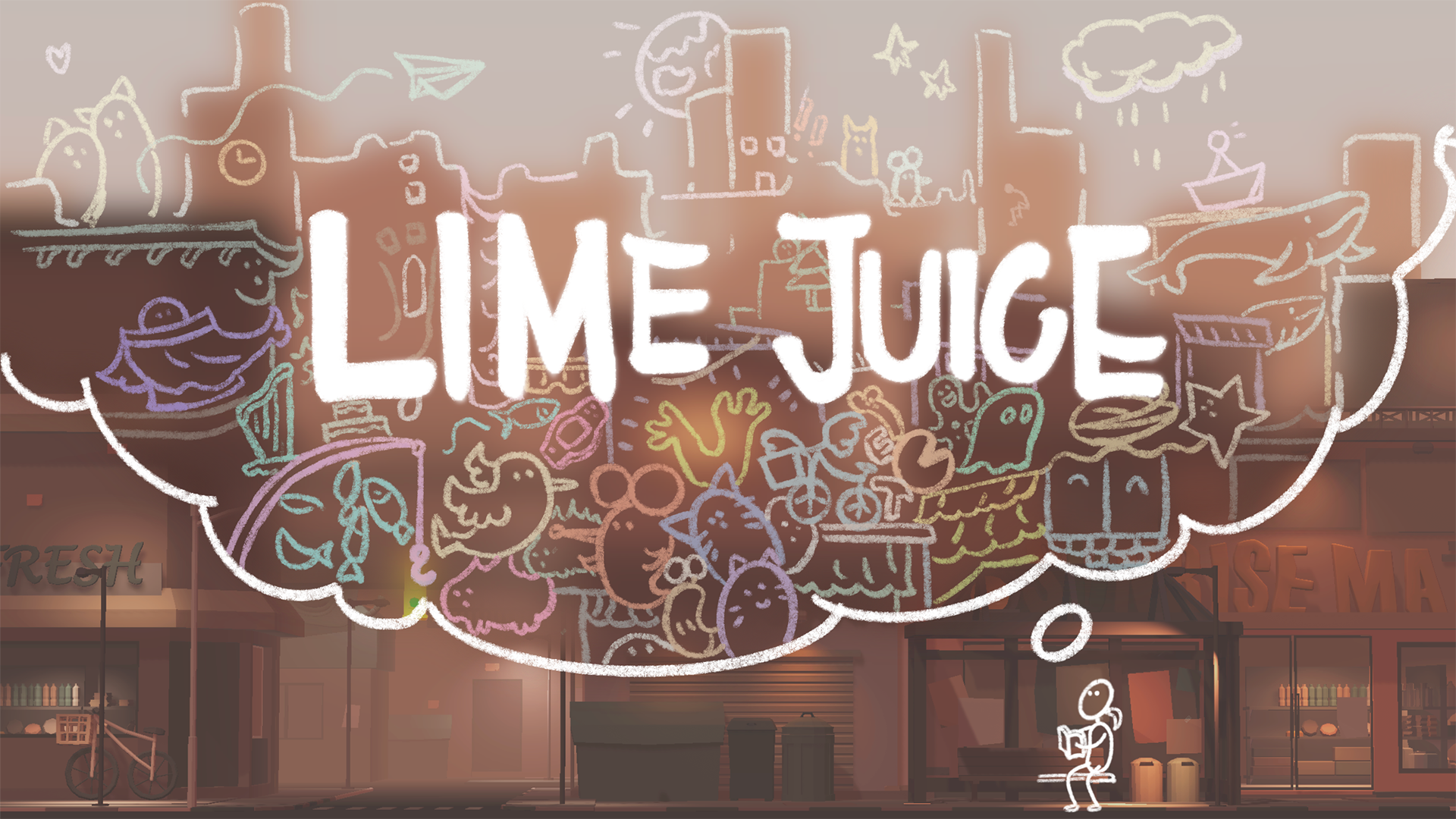
Received IGF Honorable Mention for Best Student Game
Trailer (better with sound on):
"You're a child at a bus stop. Fell asleep. Missed your ride. But you found this mysterious sketchbook on the ground..."
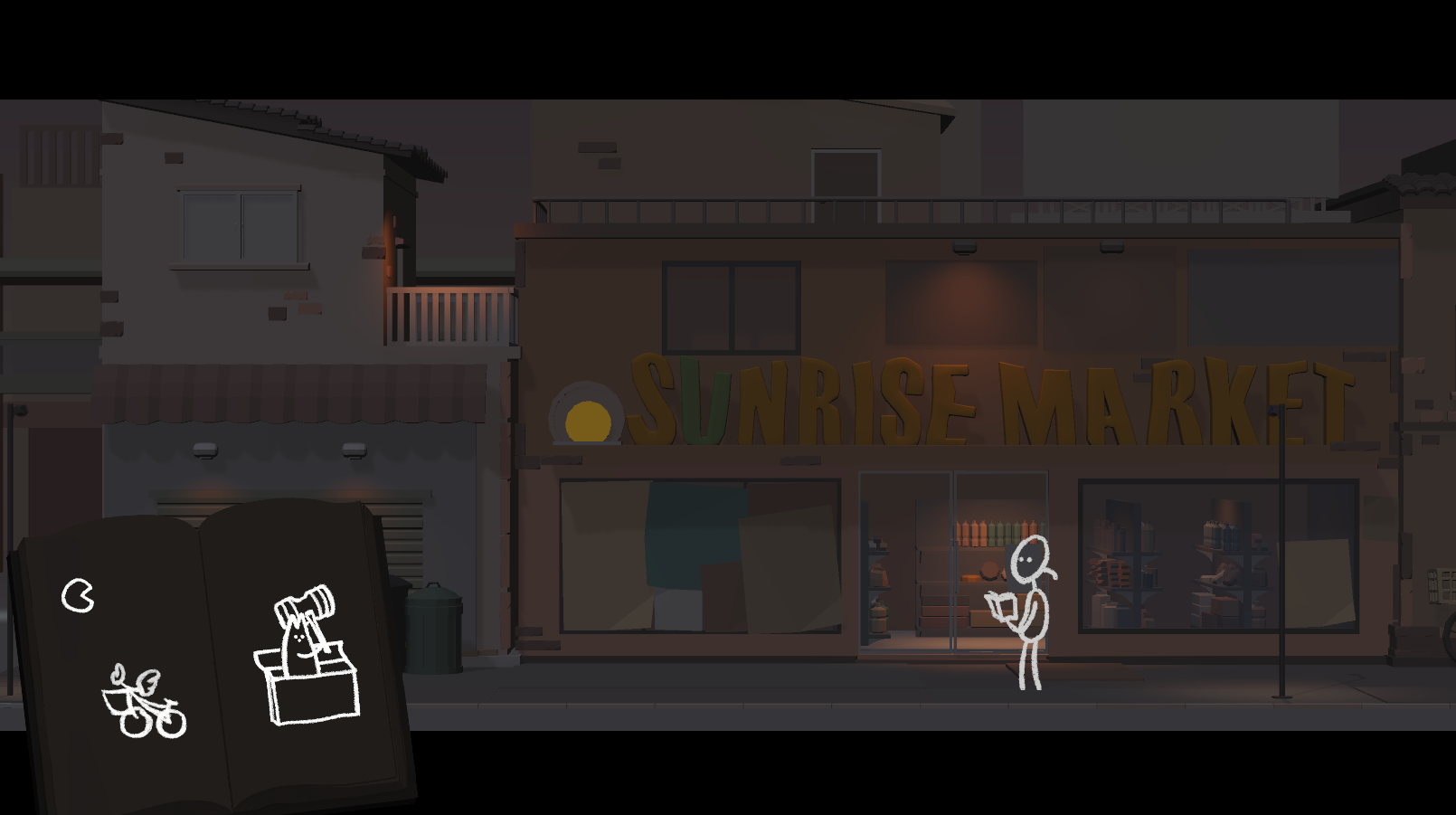
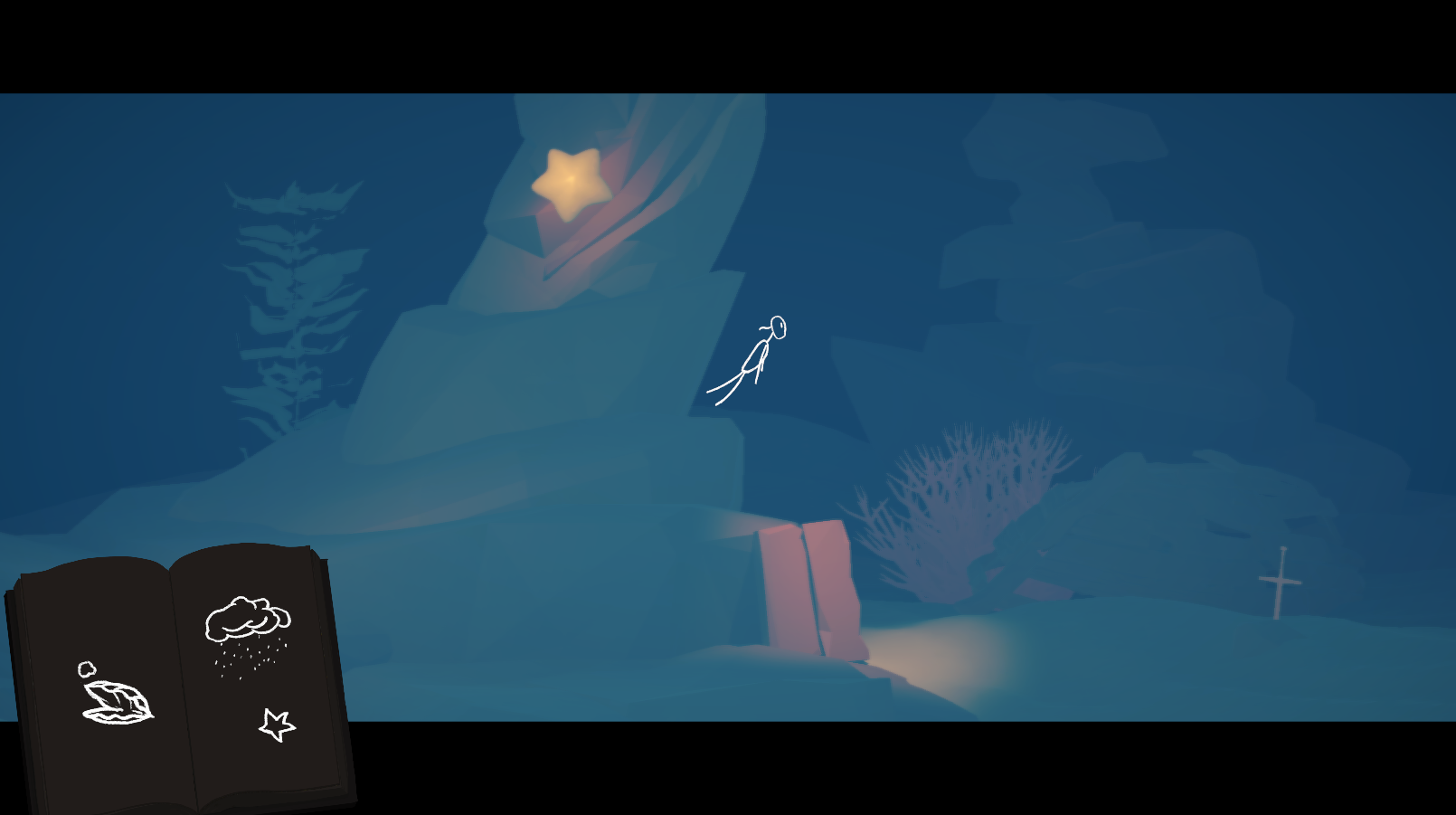
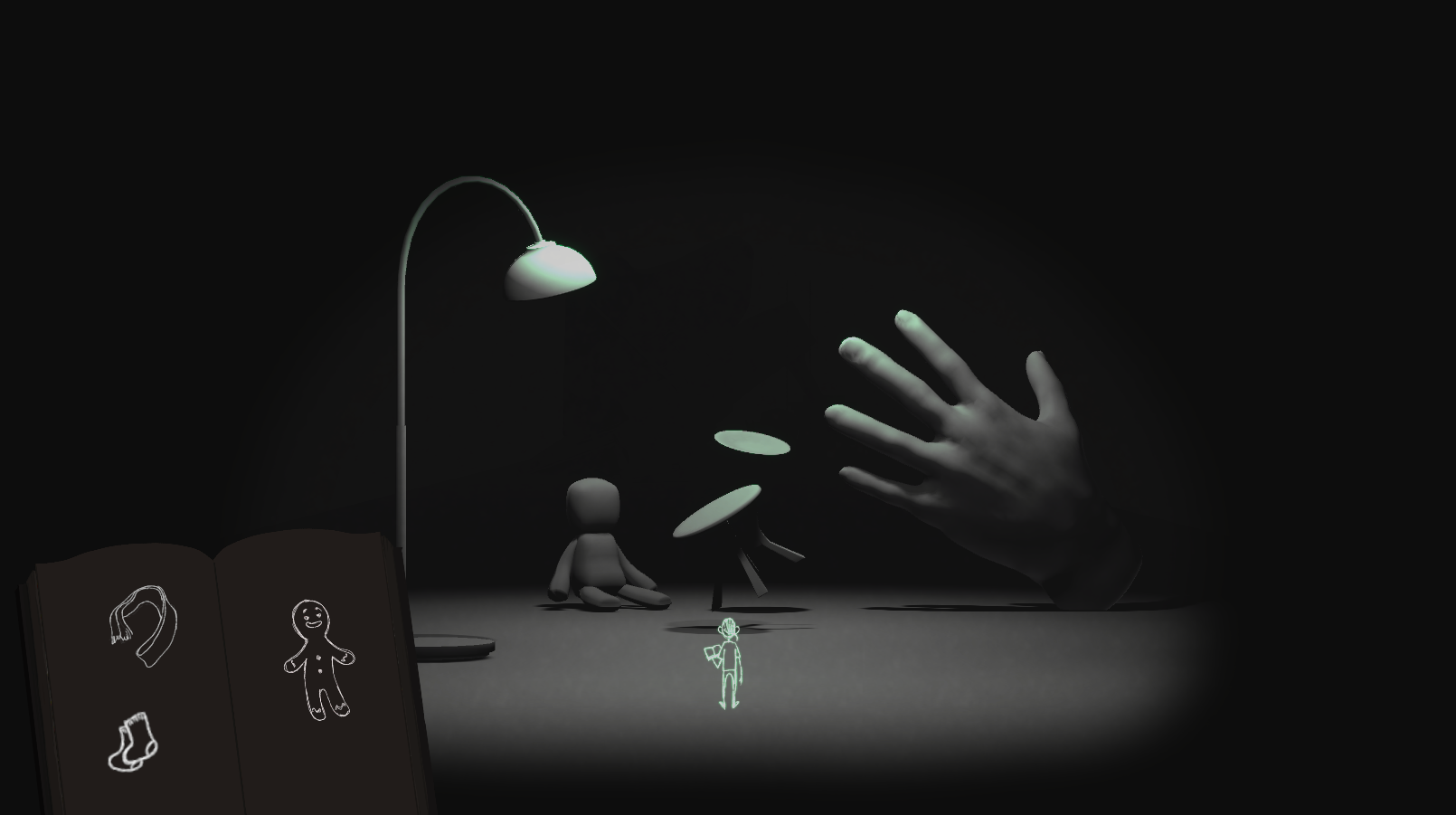
Lime Juice is a relaxing, third-person adventure game about being a child and exploring imaginary worlds by realizing drawings from a sketchbook. It blends 2D drawings and animations with 3D environments to create spaces that feel imaginative, fantastic, and weird.
Ian manages the production schedule, roadmap, and asset workflow, and works on major technical aspects of the game, including implementation of tools, core systems, and content. He also co-designs the gameplay interactions and narrative hints.
Coming soon.
An editor tool was made for this.
More coming soon.

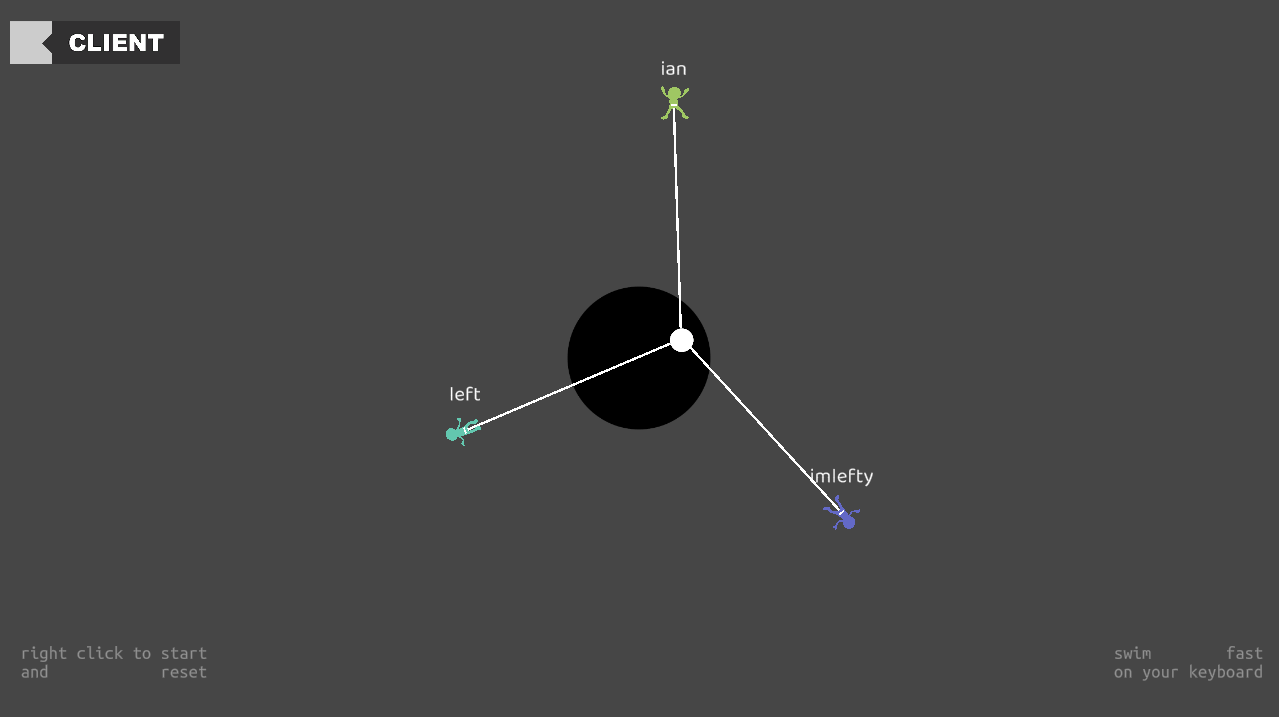
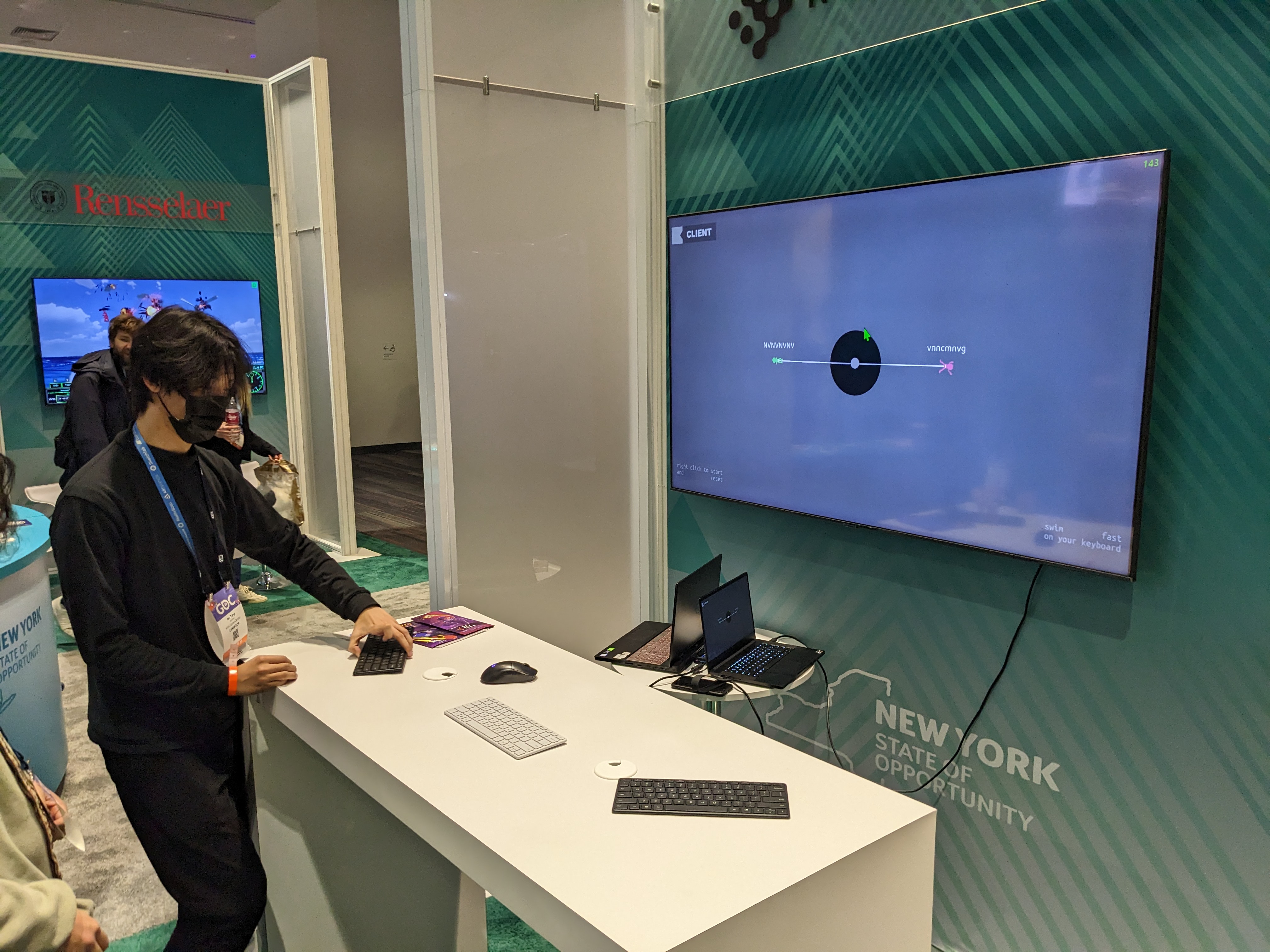
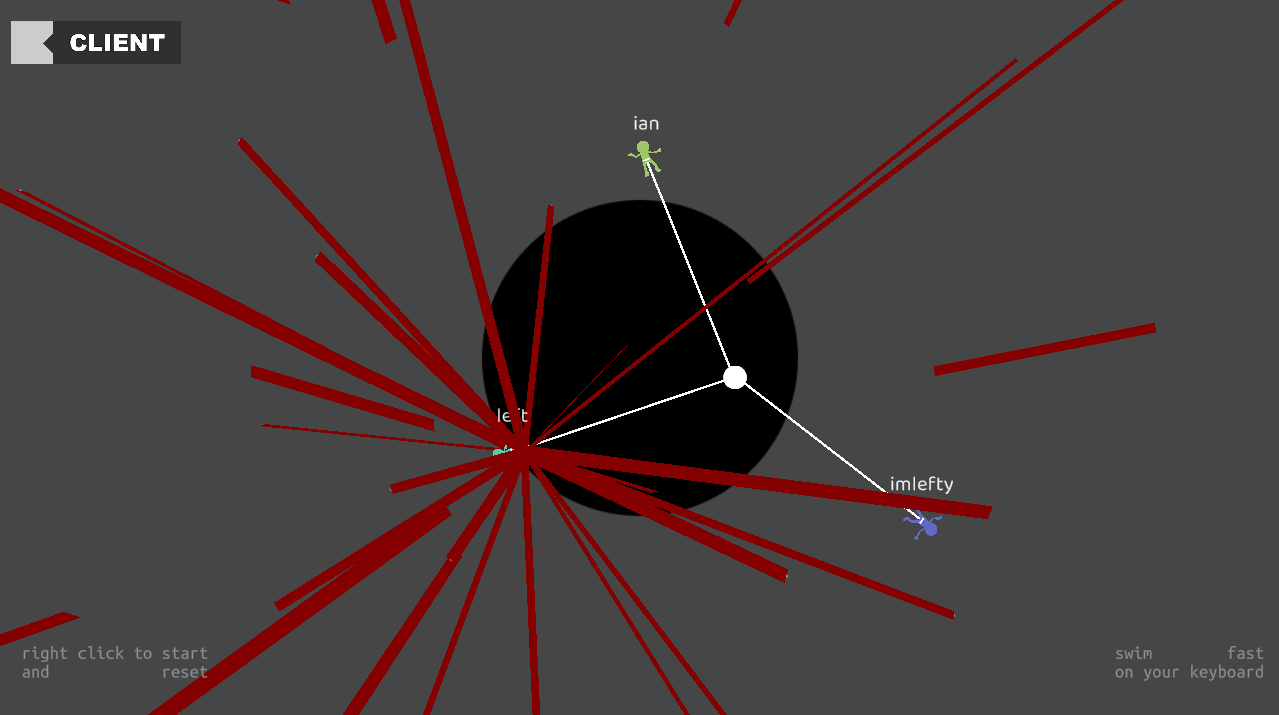
eSwim is a networked competitive swimming tug-of-war game where players need to physically brush over their keyboards and pretend to be swimming.
Initially made for prototype studio under the prompt "sink or swim", eSwim was revisited before showing at GDC 2023.
Inputs are weird. While I find alt-controls crazy clever and beautiful, everytime i think about them it just reminds me of how there is still so much we haven't explored with our typical day-to-day good old mouse and keyboard. I want there to be more thought put into reconsidering our typical approach to interact with these devices, and this is one of the first attempts.
It's intended to be a sarcastic/exhibition-y game where it's short and funny, but leaves players thinking about them for a short bit afterwards. I went for this extreme approach where I want the game to almost hurt the players a little bit, and some of the earlier ideas included stretching fingers and rubbing keys in certain impossible ways.
But the prompt "sink or swim" got me thinking about swimming, and sports in general. While it's a no-brainer that sports are games instead of the other way around, the debate between traditional sports and esports is a lot more interesting and worth thinking about. the classic "if i tell you the move and you move the pieces, who is playing chess" argument is so strong that to me the distinction seems inevitable, but that also made me want to attempt at making something that sits comfortably in between: a digital game where you look at screens and use keyboards but everything else is plain physical.
The rest are pretty straightforward designs, where the competitiveness is introduced because the game needs a funny and fast-paced gameplay to contrast with the rough input, and it's done through online multiplayer. I chose tug of war instead of other options like racing because it's generally a lot easier to scale and I want to keep the game about being physically superior, and things like racing can be a lot more nuanced.
Right before the exhibition at GDC 2023 I added a few more quality of life changes, which raised surprisingly interesting topics that I hadn't thought of before.
I started thinking about playernames in games. In the exhibition since everyone will be looking at one screen, it's natural to allow players to name their little guys so that they don't get confused. But then it hit me that even just by asking the player to enter a name it's influencing quite a lot. Some players might be bad at coming up with a name; most players don't want to use their real names; sometimes in role-playing games it might pull them out of the immersion when other characters refer to them by the fake name they give to the main character, etc etc. Whereas on the other hand the letters themselves often times don't really do anything. If we want to connect the player with the player character there is so much more we can do, and if I want the player to be able to tell who's who there are even more ways to achieve that. Naming just feels like a fake empowering process that is under-designed.
This is then unfortunately a part that I didn't get to discuss since I had little time making adjustments before the exhibition. I ended up adding a tiny detail where as the player types their name, their character also changes color based on the most recent letter they typed. So if they want to be referred to by a particular name, they'll have to live with the color that comes with it, or else they need to find a different name that gives them a color they enjoy playing as. it didn't quite come through during the exhibition and is something i'll keep thinking about in the future.
It was my first attempt at putting out a multiplayer game for others to play, and I chose to give Unity Fish-Net a try. The api was pretty easy to pick up and most of my thoughts went into how to design the networking structure. originally the game only supported a traditional two-way tug of war, so the most straightforward way was to sync up one single rope object and child all the characters under it. The rope would be server-authoritative and with position lerping the game would look smooth enough.
However, I wanted to support a three-way tug of war mostly for the exhibition, in case a larger group of people came by. This seemingly simple addition made it so that I had to separate out each player, the rope that connects to the center, and the center object that is being pulled around. the intuitive way would be to make the player movement client-authoritative, but since it's fast-paced and i care more about synchronization between screens than control responsiveness for this exhibition prototype, i decided to keep all the calculation server-side and it would send out the position and direction based on some physics calculation at a fixed tick-rate.
The swimming motion detection was actually pretty easy, as I simply separated out the keys on the left and right side of the keyboard, and assigned each of them a position in 2d coordinates. then i'll be able to keep track of a history of key presses and check the general direction they're going, and whether it meets the breaststroke motion i'm intending them to perform.
A related topic that came up was with keyboard ghosting, which is a hardware limitation that many of my other prototypes faced. I had to modify the swimming motion detection logic to ignore empty inputs, but even then I can't really prevent keyboards with no ghosting from out-performing keyboards that have ghosting. luckily, the game is by design an anti-gamer game since it's impossible to consistently rub your hands against mechanical keyboard, so it wasn't too bad in this particular case.
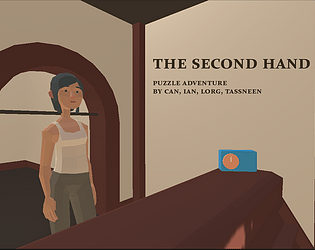
The second hand is a 3D puzzle adventure game where the player tries to rewrite a story through manipulating time. The player plays as the spirit of the former owner of this antique clock shop, and gets to possess all the clocks in the shop and manipulate both the display time on each clock and the actual time in the world. The player gets to experience the story through multiple angles from different clocks, and use his limited abilities on the clocks to affect how the story unfolds.
Ian works on designing the core time manipulation mechanic, as well as the implementation of all the systems, including branching narrative and controller input.
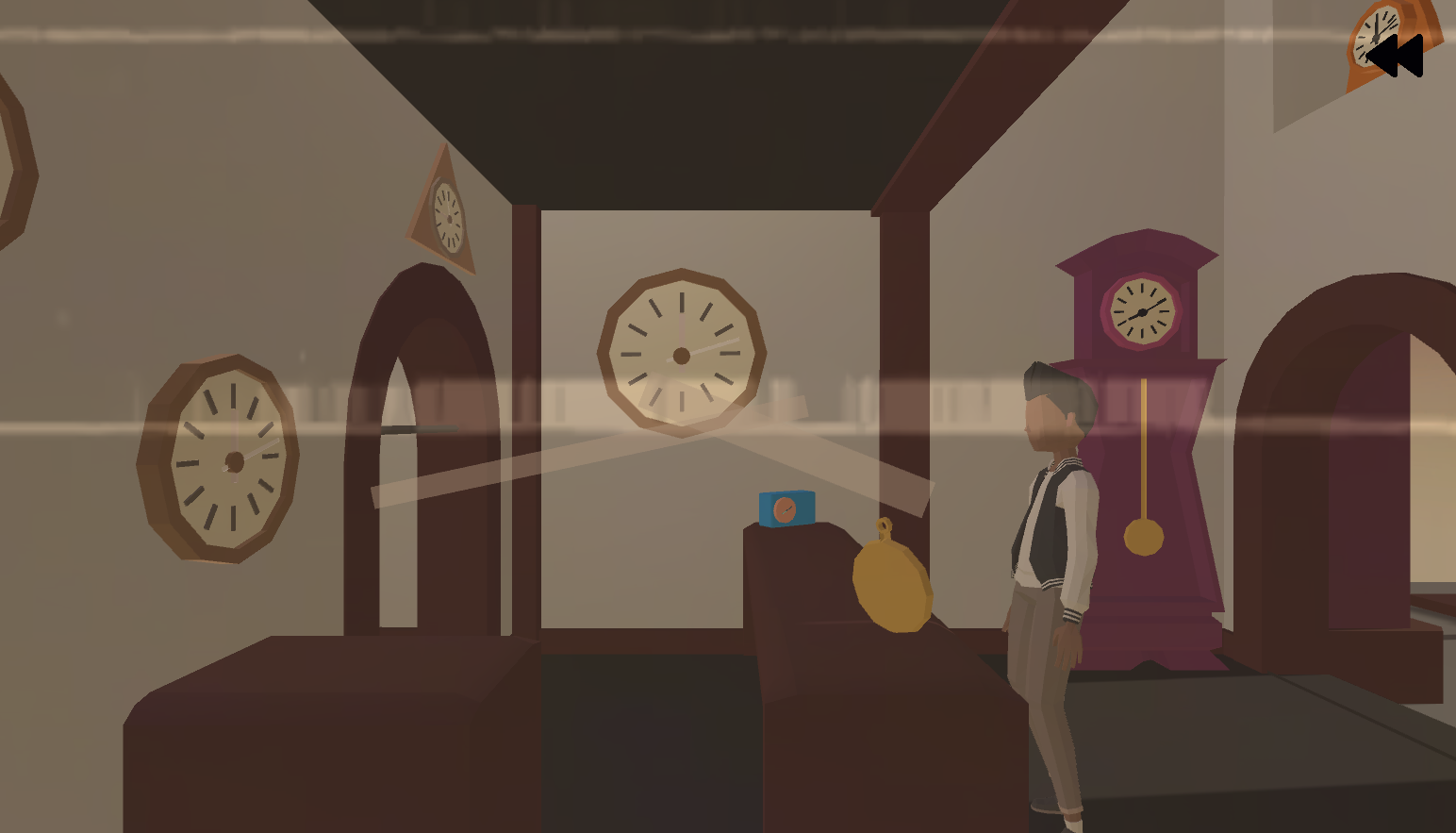
Puzzles can be really punishing - if you can't solve them then you either find hints or be stuck for a while. We wanted to create a narrative puzzle experience where, even if the player doesn't take any action and be a spectator, the story still unfolds. In the meantime, we then empower players with interactions that can alter how the story goes. As a clock, the player is able to do typical actions like ringing and moving the clock hand, which has an impact on how the story goes (eg. if you decide to wake someone up or not). They can also switch onto different clocks to gain new perspectives and move around the space.
But during playtest we noticed that player often missed crucial decision points. So in order to keep this being a laid back experience, and to fit the theme, we designed this mechanic where player can freely go back and forth in time. This not only allows them to revisit past dialogues that they might have missed, but also intentionally go back to decision points and try a different action.
What's really special about this particular rewinding system is that, since the player is attached to a clock, if the clock gets moved over time, the player moves with it. So if a customer comes in, who has a watch on his wrist, the player can then possess the watch and rewind, to see where this customer came from. This opens up a huge possibility space for design as the player will be able to travel through both time and space with this one mechanic, but it also means we need to be very careful with our scope. We ended up not exploring this direction too much, but it's definitely worth revisiting in the future.
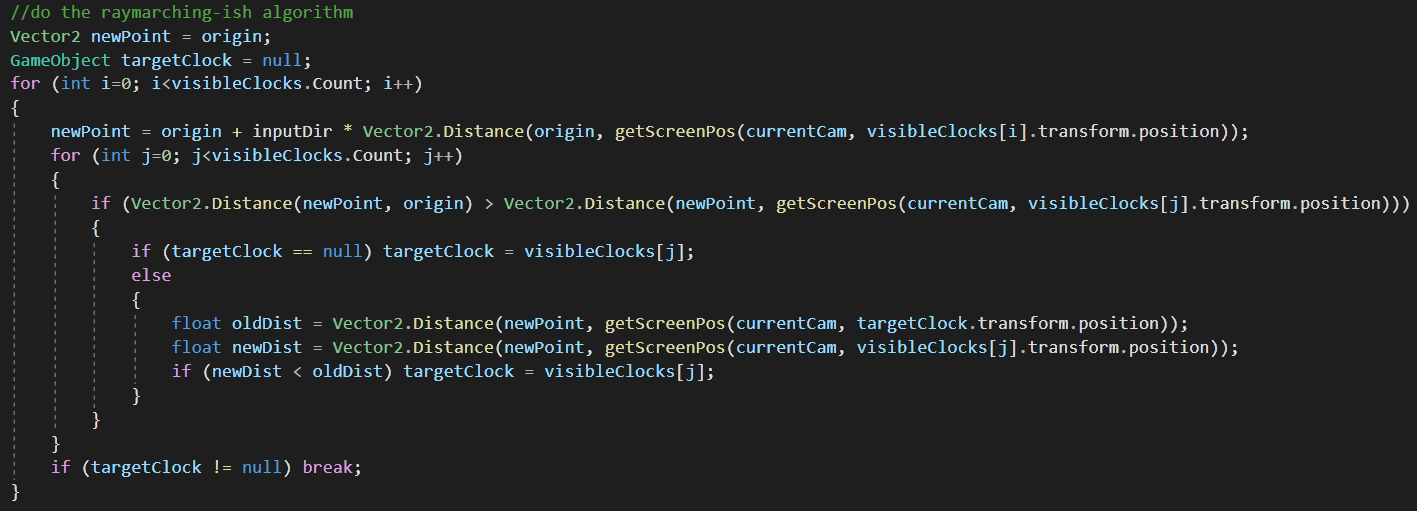
Very early on we've decided to use the controller as the input, since the joysticks resemble the feeling of turning clock hands. But the challenge that come with it was to figure out an accurate algorithm to switch between highlighted clocks on the screen. Usually there are multiple clocks scattered on different parts of the screen, and as the player pushes the left joystick to any direction, it should switch to the most reasonable clock.
The solution I arrived at was to use a process similar to ray-marching. The idea is to first sort all the visible clocks on the screen by their screen-space distance to the current clock. Then, iterate through the list and shoot a ray from the current clock towards the direction of the joystick push, by a distance that is equal to the screen-space distance between this clock and our current clock, say D. Then, from the end point of this ray, check if any clock is within the radius of D. If so, pick the closest one; if not, move on to the next clock in the list. If we couldn't find one, it will just stay on the current clock.
The other part that was tricky is how to handle branching narrative that is rewindable. For all the character animations and animation sequences, they are implemented through an event-based system with a tree structure, that keeps track of all the decisions made and animations that has been triggered so far. When the player chooses to rewind, it backtracks and plays all animations in reverse order with a negative speed. This minimizes data storage and ensures perfect rewinding that can be triggered and stopped at any point.
Next was to do the same with subtitles. It didn't really make sense to handle subtitles like animations, so we build a separate system to handle reading from excel, parsing, and playing character-by-character so that they can be rewinded smoothly.
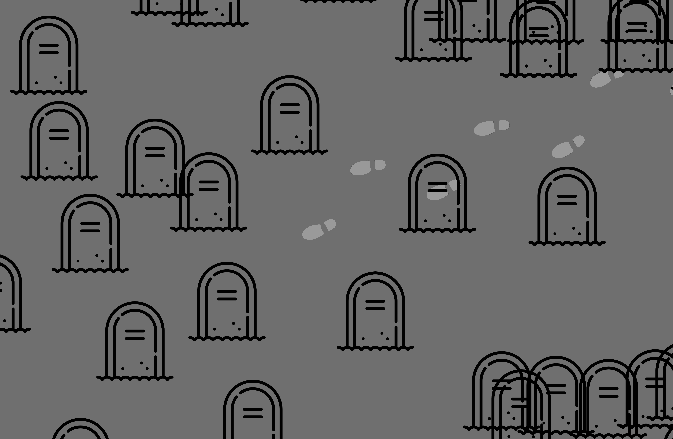
A shared virtual graveyard where you walk, sometimes alongside others, silently, read notes, and when ready, die and leave a grave with your own notes.
Ian made this by himself for prototype studio. The yard now has over 400 graves from internet people.
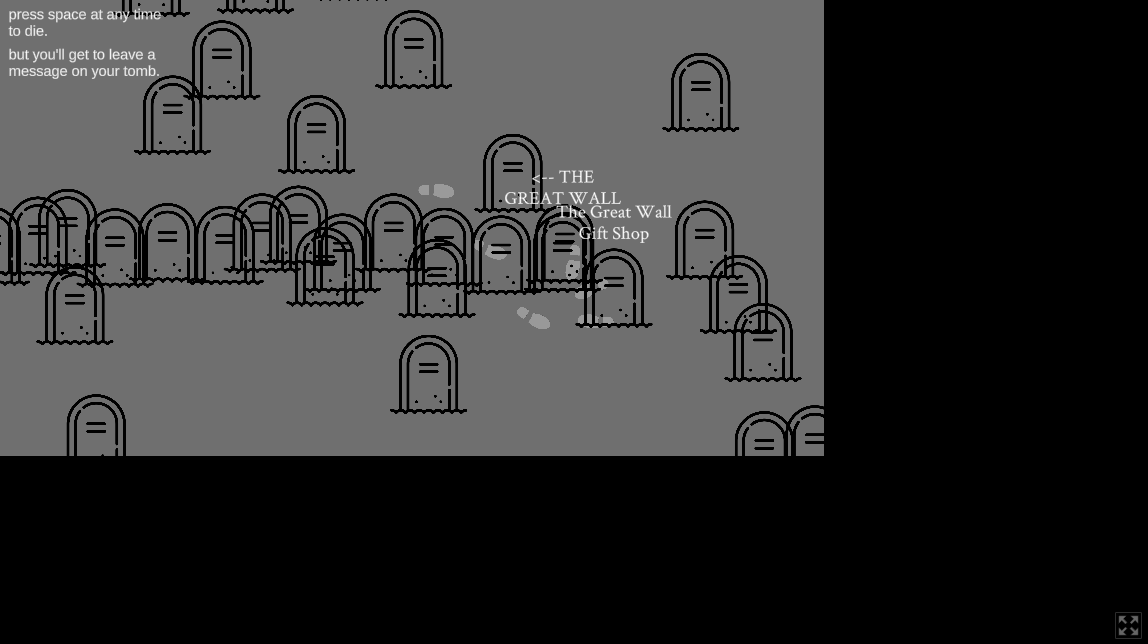
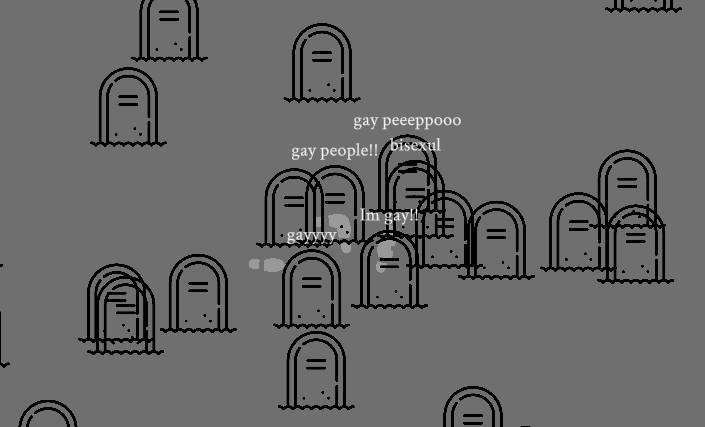
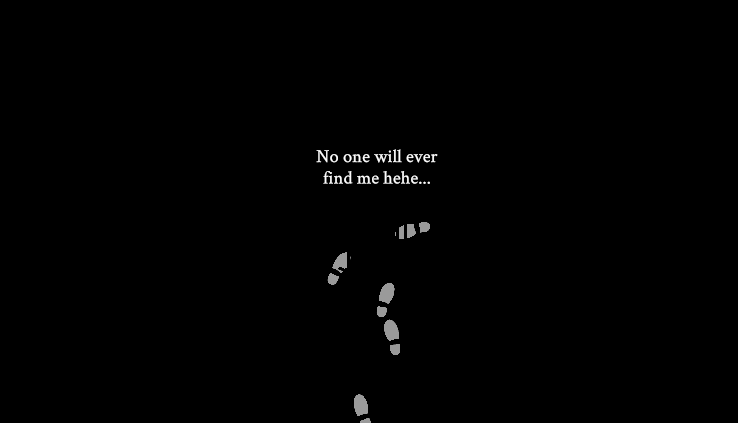
This is more of a retro, since it's one of those games where the emergent behaviors just completely overwhelmed my intentions, and I've spent a lot of time thinking about them... Initially, under the prompt "cement", I wanted to create a shared graveyard experience where players silently and anonymously walk alongside each other and, when they're ready, press space to die and leave a message on their grave. Other players will then be able to read them, and because it takes time to travel back to where they died, they'll be more careful and thoughtful with the messages they leave.
But that's totally not how the game is being played. In fact, players are interacting with it in much, much more expressive, heartwarming, and heartbreaking ways.
Because of the asynchronous nature of the graveyard, it has become a social place where players write messages - not always for each other, some for themselves - and leave. it's become a place where they make jokes, say hellos, complain about life, and more. it exists in a weird middleground between saying what they normally wouldn't say, and writing what they normally wouldn't write online. it might be due to the anonymity, or the dying theme, or just the fact that it's a videogame.
Reading the messages people leave has now become part of my daily routine. it's my version of twitter, but even more depressing, since they actually mean what they say, or at least it appears so. i'm happy for the person who said "things are finally going well", feel for those who're going through depression, and glad to see a rainbow corner take form.
But it's also a weird feeling because I didn't mean to provide this safe space. i'm seeing people that need help but i can't help them; i'm hearing voices that should be heard by more but they're not; i want to know who they are, but i can't and maybe shouldn't. It's such a weird feeling to be behind all of this.
Something fun that is worth mentioning is since i didn't want a border for the yard, players are allowed to walk into the void. It was expected that players might try to find peace in a quieter, less crowded place, but it has sort of turned into a mysterious mission thing where some would hide messages and leave hints for others to find. probably one of the more interesting and evocative gameplay that emerged.
I love google sheets.
Prototyping networked games has always been a headache, but this time I found something that worked surprisingly well, and has been used in some other games by my friends.
Essentially it's using google sheets as a database and server, and web requests from unity to read and write data to the sheet. By "server" it means we can put formulas that parse and organize the data sent to it and store them in separate sheets to make them easier to retrieve. The only caveat is I had to use google form for writing data which gets sent to a spreadsheet anyways, because of an api update google did earlier.
Mine currently has over 40000 rows and still not lagging.
You can read more about it here.

A short, text-based game about wanting to take a break from work.
Ian made this for himself in prototype studio. He was gonna skip that week because of other classwork. He's glad he didn't.

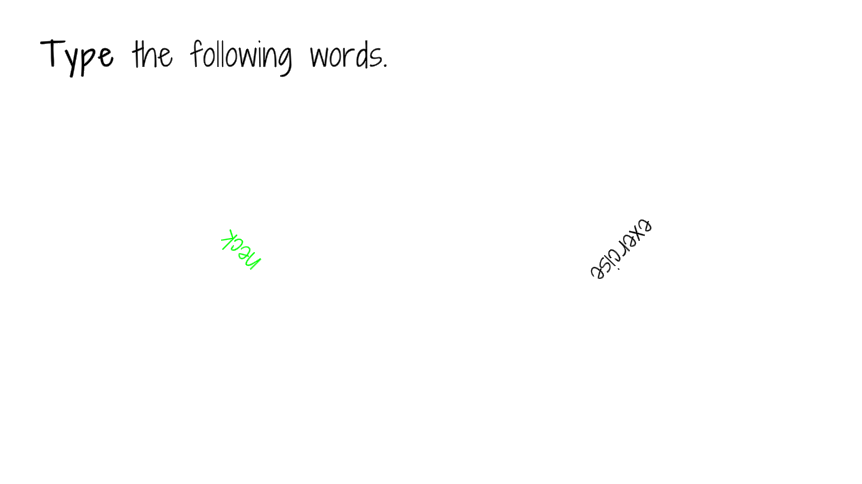
This was made on a Monday night during final's week. I wanted to capture the feeling of wanting to take a break so badly yet couldn't because of all the work, and instead of making players feel the same pressure, I decided to make a game that would calm myself and others who might be in a similar situation.
The constraint I gave myself was it had to be short, so that I can finish it in 3 hours before bed and players can play in a minute.
It started with the simple idea of prompting the players to turn their heads left and right by rotating the texts they need to read. A similar thought then emerged that is to have the player stretch their fingers by holding q and p at the same time. I had to prevent them from using both hands so an additional mouse button was added.
The game could continue to be a sequence of these types of relaxing exercises but to me the physical break is not as important as a mental break, so I decided to ask the player to close their eyes and think about someone they love, which is something I do quite a lot. There are two concerns here: 1. I won't be able to tell if the player actually closes their eyes, and especially 2. if they find this section too cheesy. For me, the first one isn't really a huge problem but it does get awkward if they finish thinking and open their eyes and see that 30 seconds haven't passed. So i lied and the internal timer is actually around 15. This also makes it quicker to get through for those who find it cheesy, and for those who actually close their eyes and spend some time they wouldn't notice anything anyways.
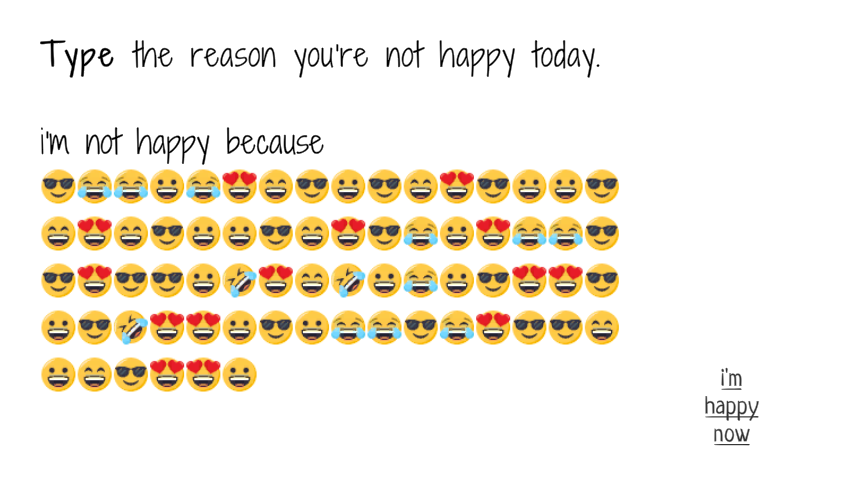
I was gonna end here but it felt too warm and wholesome to be a place to ask them "now go back to work". so the final activity was introduced. It came from the idea of letting yourself out with what's bothering you. but in my mind the act of thinking about why i'm not happy and the courage to type them out are more than enough. So while the game asks the player to type out why they're not happy today, the text that actually appears are just different face emojis. it's enough for them to know why they're not happy. they don't need to read it again. The emojis are also there to lighten the mood and make it a light-hearted conclusion to the short but much needed break.
Nothing special since it was really simple and short. however it does make me wanna try making more of these extremely short ones. So I've been wondering if there are better and more efficient ways to approach them. As part of my practice I always try not to keep a comprehensive codebase/toolset, since reimplementation helps me to notice if something can be done differently, which I may not have thought of otherwise. but for these really short thought experiments it might be valuable to have a prototyping kit of some sorts. not sure.
A recording system and related components made for a music producing game.
documentation: Link
An outdated version of a technical documentation I wrote for my team.
The purpose of it was to explain step-by-step how the recording system should be incorporated into a scene, although some explanation on certain design choices are also included (especially when they don't seem to make sense at first glance).
Full source code will be added here with details when the project is finished.
An editor window that allows artists to preview multiple animations in scene view.
source code: Link
Context:
Lime Juice needed a way for artists to easily preview and test timings between multiple animations in-engine. Unity only allows single animation preview in scene view, which is not very useful.
Solution:
Using Unity’s EditorWindow class to create a custom window that takes multiple gameobjects and animation clips, and can preview them together or adjust individual timeline with sliders.
Retro / How to improve:
UI can be cleaned up to look a lot nicer; the ability to adjust playback speed might be useful in other situations.
Context:
As we moved to the production phase for Lime Juice, we re-evaluated our animation pipeline and noticed that one of the biggest wastes of time was not being able to adjust and iterate on animations quickly. The core mechanic of the game is to trigger different animations, and if they’re triggered at specific timings and orders, they will combine and change form. This requires our artists to be able to pin down the timings for different transitions, and therefore need to be able to preview multiple animation clips together.
In Unity, the organic way to achieve this is to set up the animations and hit play, and perhaps make debugging GUIs to modify them in play mode. But the issue with this is that the animations need to be implemented and hooked up everytime they want to test anything, which is a lot of communication cost between the engineers and the art team. We needed a simpler approach that takes minimal effort for our artists to preview and adjust animations on their own.
Solution:
The idea is to make an editor tool that does the preview of multiple animations in scene-view. The interesting design choice here is how detailed or fully-functional this tool should be, given that Unity already has a pretty powerful animation tool that allows for keyframe and curve adjustments. For our need, the features we need to this tool includes:
- be able to select multiple gameobjects, and assign animation clips to each
- be able to play and preview all or certain animations together
- be able to adjust the animation timeline and play from different places
- be able to pause and reset
- be able to adjust the animations in Unity’s animation window, and immediately preview the result here
The last one is sort of given by design, since we’re directly using animation clips, which can be edited and saved in Unity’s animation window.
The first thing is to create an Editor window, which is fairly straightforward with Unity’s EditorWindow class.
public class MultiAnimPreview: EditorWindow {
The buttons are made with EditorGUI and GUILayout classes. Here’s an example of making toggle and button in OnGUI:
GUILayout.BeginHorizontal(EditorStyles.toolbar);

EditorGUI.BeginChangeCheck();
GUILayout.Toggle(AnimationMode.InAnimationMode(), "Animate", EditorStyles.toolbarButton);

if (EditorGUI.EndChangeCheck())
{
	ToggleAnimationMode();
	Debug.Log(AnimationMode.InAnimationMode());
}

if (GUILayout.Button("Add", EditorStyles.toolbarButton))
{
	AddAnim();
}
In order to support an unlimited number of animations, we hold all the objects in a list, and iterate through them. For better usability, everytime a gameobject is selected, a field for selecting the animation clip appears. After the clip is selected, the slider and loop toggle appears. This way the window isn’t too crowded before anything is added.
foreach (Anim anim in anims)
{
	EditorGUILayout.BeginHorizontal();
	EditorGUIUtility.labelWidth = 55f;
	// a toggle for whether this animation should be played
	anim.selected = EditorGUILayout.Toggle("selected", anim.selected, new GUILayoutOption[]{});
	// a field for selecting gameObject
	anim.gameObject = EditorGUILayout.ObjectField(anim.gameObject, typeof(GameObject), true) as GameObject;
	EditorGUILayout.EndHorizontal();
	// if a gameObject is selected, display another field for selecting animation clip
	if (anim.gameObject != null)
	{
		anim.clip = EditorGUILayout.ObjectField(anim.clip, typeof(AnimationClip), false) as AnimationClip;
		// if an animation clip is selected, display other settings
		if (anim.clip != null)
		{
		float startTime = 0.0f;
		float stopTime = anim.clip.length;

		EditorGUILayout.BeginHorizontal();
		// a toggle for whether this clip should be looped when played
		anim.isLooping = EditorGUILayout.Toggle("looping", anim.isLooping);
		// a slider to adjust the animation timeline
		anim.time = EditorGUILayout.Slider(anim.time, startTime, stopTime);
		// a quick field to show current frame #
		EditorGUILayout.IntField(Mathf.FloorToInt(anim.time * 60), new GUILayoutOption[] {GUILayout.Width(30f)});
		EditorGUILayout.EndHorizontal();
		}
		else if (AnimationMode.InAnimationMode())  AnimationMode.StopAnimationMode();
	}

	DrawUILine(Color.gray);
}
The rest is fairly simple. We sample the animation clip by the time we save in Update, which gets incremented during play. The only thing worth noting here is to do a repaint for both the window and the sceneView to view the results.
AnimationMode.BeginSampling();
foreach (Anim anim in anims)
{
	if (anim.gameObject == null || anim.clip == null) continue;

	Animator animator = anim.gameObject.GetComponent<Animator>();
	if (animator != null && animator.runtimeAnimatorController == null)
	{
		//do nothing
	}
	else
	{
		AnimationMode.SampleAnimationClip(anim.gameObject, anim.clip, anim.time);
	}
	Repaint();
}
AnimationMode.EndSampling();

SceneView.RepaintAll();
source code: Link
A simple solution to achieve asynchronous networking in Unity with Google Sheets and Web Requests (and Google Forms!).
step-by-step walkthrough: Link
Ian initially came up with this for his game Self-Services Graveyard in which players can create graves and leave messages on them, and others can see all the graves. He also used it in Summoning Circle for asynchronously uploading and pulling team data so that players are always fighting real-person teams instead of PvE presets.
It's also used in two amazing games by Joey: The Land of Forgotten Souls and Pipsy Runner 3000.
Context:
Making networked games is always intimidating. After having bad experiences with many different networking solutions for Unity, I wanted to find a way to quickly set up networking and database for prototyping, and still have total control over everything that's happening.
Solution:
Google Sheet is an amazing, natural server where we can easily use functions and scripting to parse and organize data. We can then use Web Requests to communicate between our C# scripts and our sheets to upload and retrieve all kinds of data as we wish.
Retro / How to improve:
I want more devs to try this! But also worried about Google doing something to prevent this.. as it's technically a hack. Also, it might be worth looking at direct requests to Sheets again instead of doing the around the world with Forms in the future.
Context:
I always love networked games, and want to make some, but setting up networking for prototyping has been a real headache. After trying to do it with multiple different Networking Solutions in Unity, such as Mirror, Fish-Net, Photon, and their official one, it's clear that they're not usually worth the time, and sometimes the money for servers, and reading through poorly written documentations is especially not ideal for prototyping. I want to find a way to quickly set up networking and have a database, and still have total control over everything that's happening through simple code.
Solution:
I was taking a class about Spreadsheets with Alexander King, and it occurred to me that Google Sheets is an amazing way to store data, because we can parse and organize them with functions and scripting however we want. So I looked at ways to programmatically retrieve data from Sheets, so that we can treat them as a database. And naturally, we got Web Requests.
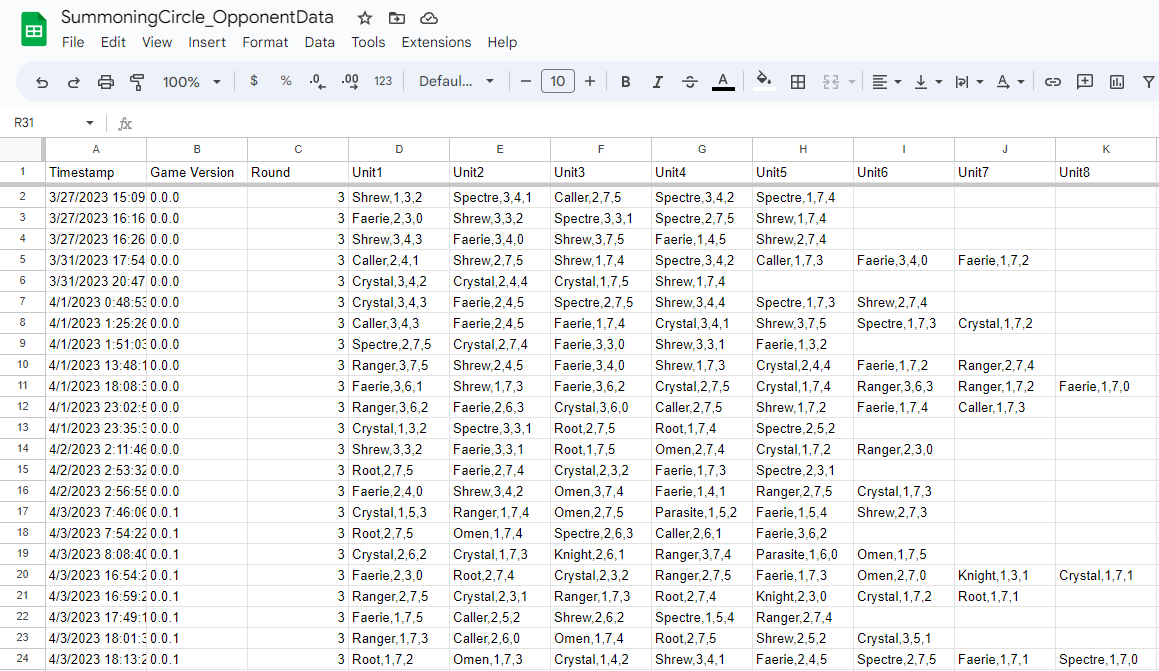
The tricky thing was that after a recent update to the Sheets API in 2022, I wan't able to do post requests from within Unity. It might be that I misread the documentation, or did something wrong, but I had to figure out a workaround. Luckily, Google Forms has a built-in feature that automatically transfers form responses to a Google Sheet, and the Forms API haven't received any updates for a while, so... let's get digging!
Firstly, I needed a way to submit form responses through web request. Finding the post uri wasn't too complicated, as it is embedded in the Form url, but the specific response fields were a bit tricky to find. Eventually, I noticed that after clicking Send and if we inspect the webpage, we can see the entry id for each response entry, and that can be used for our post request!

The rest was quite straightforward: pack data in Unity, format them and send via post request to our form. Surprisingly, retrieving them afterwards is a lot simpler, as this time we can use the Sheets API directly to get JSON from our Sheets.
IEnumerator SendUnitData(List<unitData> unitDatas, int roundNumber)
{
    string postUri = "can't show this sorry";
    string gameVer_e = "entry.827620170";
    string round_e = "entry.1831171256";
    string[] units_e = new string[] {
        "entry.1736156396",
        "entry.1578800667",
        "entry.1463664841",
        "entry.1686337605",
        "entry.1308880010",
        "entry.1361472423",
        "entry.1975870708",
        "entry.2106594634",
        "entry.609185528",
        "entry.967484768",
        "entry.909024387",
        "entry.1043298782"};
    string level_e = "entry.422048610";

    WWWForm form = new WWWForm();
    form.AddField(gameVer_e, gameVer);
    form.AddField(round_e, roundNumber.ToString());
    for (int i=0; i<unitDatas.Count; i++)
    {
        form.AddField(units_e[i], unitDatas[i].ToString());
    }
    form.AddField(level_e, Services.teamManager.Level);

    UnityWebRequest req = UnityWebRequest.Post(postUri, form);
    yield return req.SendWebRequest();

    if (req.result == UnityWebRequest.Result.ProtocolError || req.result == UnityWebRequest.Result.ConnectionError)
    {
        Debug.Log(req.error);
    }
    else if (req.result == UnityWebRequest.Result.Success)
    {

        Debug.Log("round data uploaded successfully");
    }
    else
    {
        Debug.Log("some other weird error");
    }

    req.Dispose();
}
IEnumerator RetrieveRoundData(int roundNumber)
{
    string uri = "cant show this"
        +roundNumber
        +"?key=nor this";
    UnityWebRequest req = UnityWebRequest.Get(uri);

    yield return req.SendWebRequest();

    if (req.result == UnityWebRequest.Result.ProtocolError || req.result == UnityWebRequest.Result.ConnectionError)
    {
        Debug.Log(req.error);
        Services.opponentRoundManager.LoadDefaultOpponentTeam(roundNumber);
    }
    else if (req.result == UnityWebRequest.Result.Success)
    {

        Debug.Log("round data retrieved successfully");

        // parse the json
        var o = JSON.Parse(req.downloadHandler.text);
        var teams = o["values"];

        Services.opponentRoundManager.LoadOpponentTeam(teams);
    }
    else
    {
        Debug.Log("some other weird error");
        Services.opponentRoundManager.LoadDefaultOpponentTeam(roundNumber);
    }

    req.Dispose();
}
What's also really convenient about using Sheets as the database is we can quickly do some data clean-up and organization directly in Google Sheets. For example, in the graveyard game I wanted players to be able to see each other's footsteps if someone else if playing at the same time. In Sheets, I can easily achieve that by using the filter function and filter by Timestamp:


and in Unity, only get JSON from this particular sheet, so that we don't get any other useless data.
A not-so-often updated list of weird things I've done in Unity that might be helpful to some others.
Sometimes this happens after you drag a sprite around and Unity freaks out and loads for a few seconds:
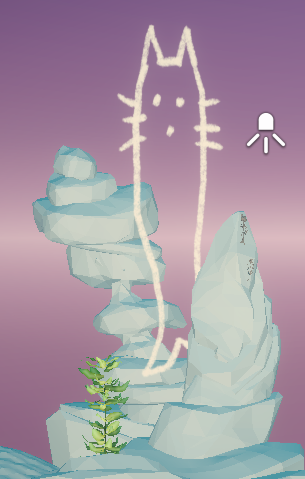
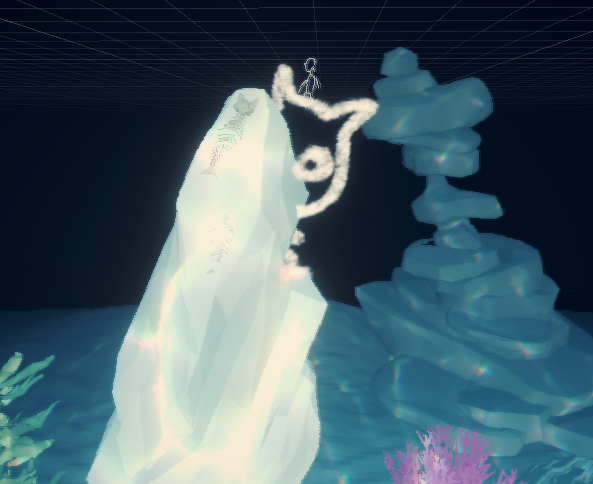
and the sprite object is nowhere to be found in the hierarchy. You can delete everything in the scene and it will still be there. This happened twice while we were making Lime Juice and we called them ghost sprites.
The reason it's hidden is actually not that mysterious: Unity has a hideFlag for all GameObjects that allows them to hide things in the hierarchy, eg. the scene camera, which makes a lot of sense. And that's what's happening to the ghost sprites. For some reason Unity would set them to hidden, and I wrote a simple Editor script to catch it:
using UnityEngine;
using UnityEditor;

public static class UnhideSprites
{
    [MenuItem("Benbees/UnhideGhostSprites", false, 3000)]
    public static void Unhide()
    {
        GameObject[] allObj = GameObject.FindObjectsOfType<GameObject>();
        foreach (GameObject obj in allObj)
        {
            if (obj.hideFlags == HideFlags.HideInHierarchy && obj.TryGetComponent(out SpriteRenderer sr))
            {
                obj.hideFlags = HideFlags.None;
                Debug.Log(obj.name); //then we can look for this obj by name in the hierarchy
            }
        }
    }
}
Oftentimes we want to populate a list of custom class in the Inspector, but the item name "element 0", "element 1", are very annoying because we would then have to expand each thing to see what's inside.
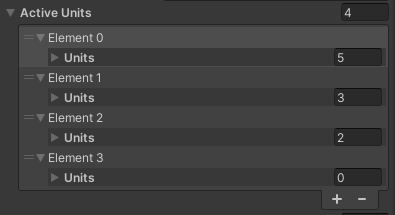
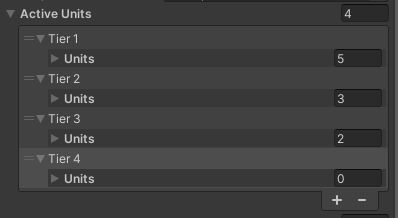
One common solution is to add a string field to the top of a custom class, and Unity would automatically rename the "element 0" to the value of this string. However, we would then have to go in and type them out one by one. Sometimes this is desireable when they each have unique names, but sometimes we just want something more reasonable than "element x" for our designers to look at.
My way of achieving this is to create a string field but put [HideInInspector] attribute on it, and then in OnValidate, which gets called everytime a new list item is added, go through the list and set the string value.
[System.Serializable]
public class UnitTier
{
    [HideInInspector]
    public string key;
    public List<UnitProfile> units;
}

public void OnValidate()
{
    for (int i = 0; i < activeUnits.Count; i++)
    {
        activeUnits[i].key = "Tier " + (i+1).ToString();
    }
}
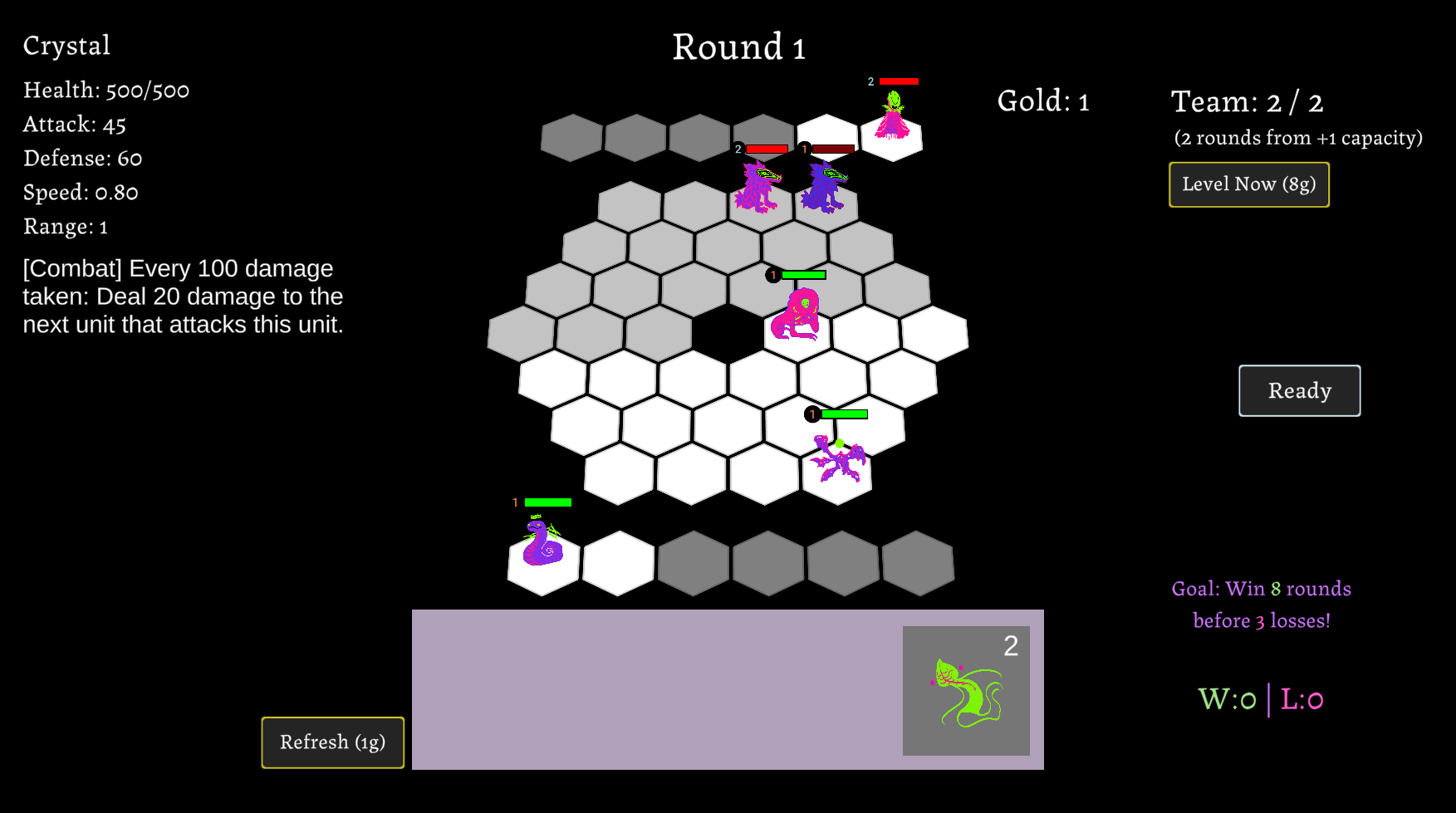
We love auto-battlers, so we made one. It's asynchronously networked, similar to super auto pets. The game features a reserve system, which means units come in during a fight in certain conditions.
Ian worked on designing the reserve system and units, and implemented the shop and team systems.
-
-
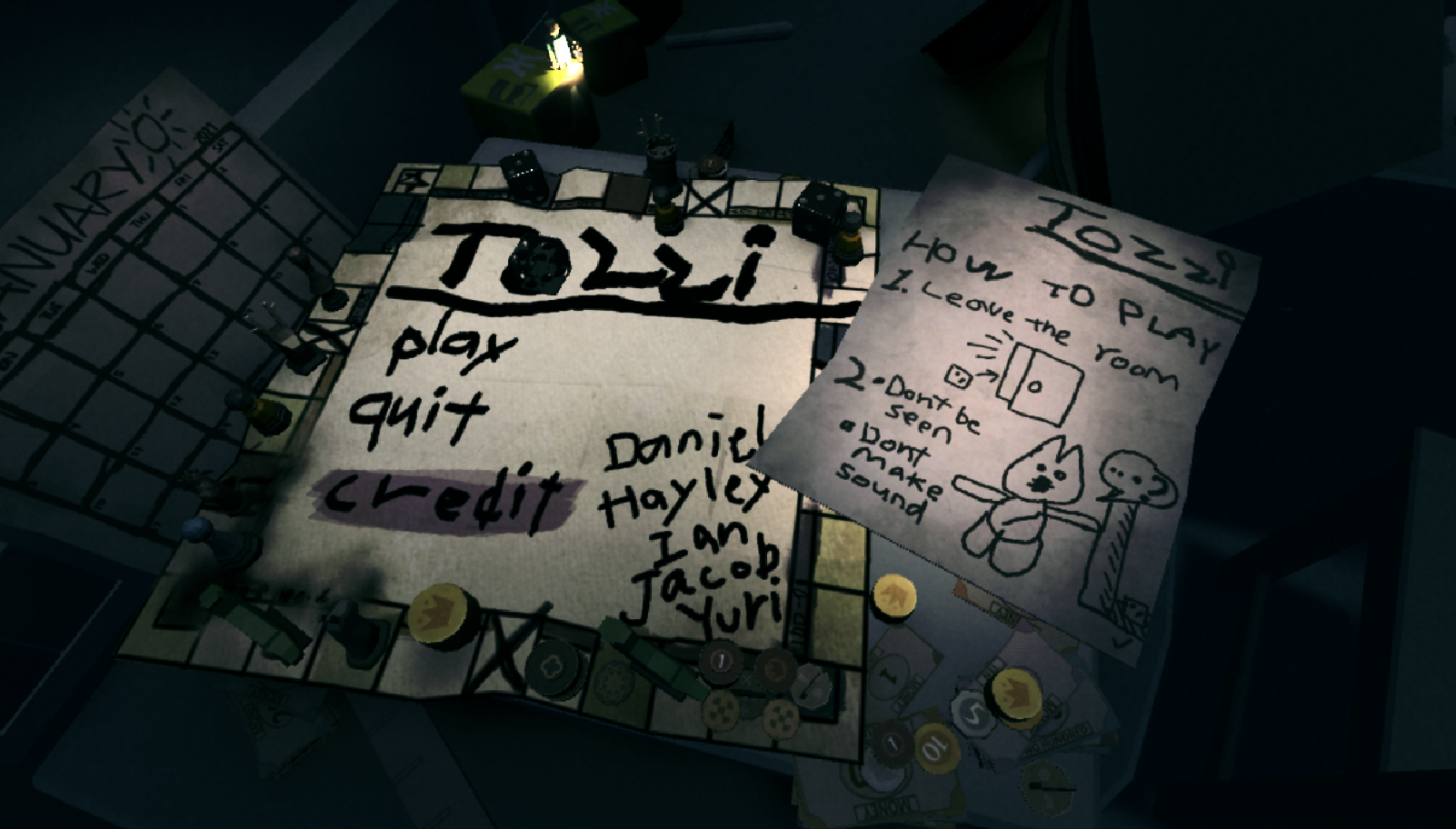
TOZZI is a first-person atmospheric horror adventure where the player can only perceive the environment from inside a dice.
Originally made for GMTK 2022, TOZZI was ranked 15th/6125 in Creativity.
Ian worked on designing the concept, rolling gameplay, and implemented the core movement and visual effects.
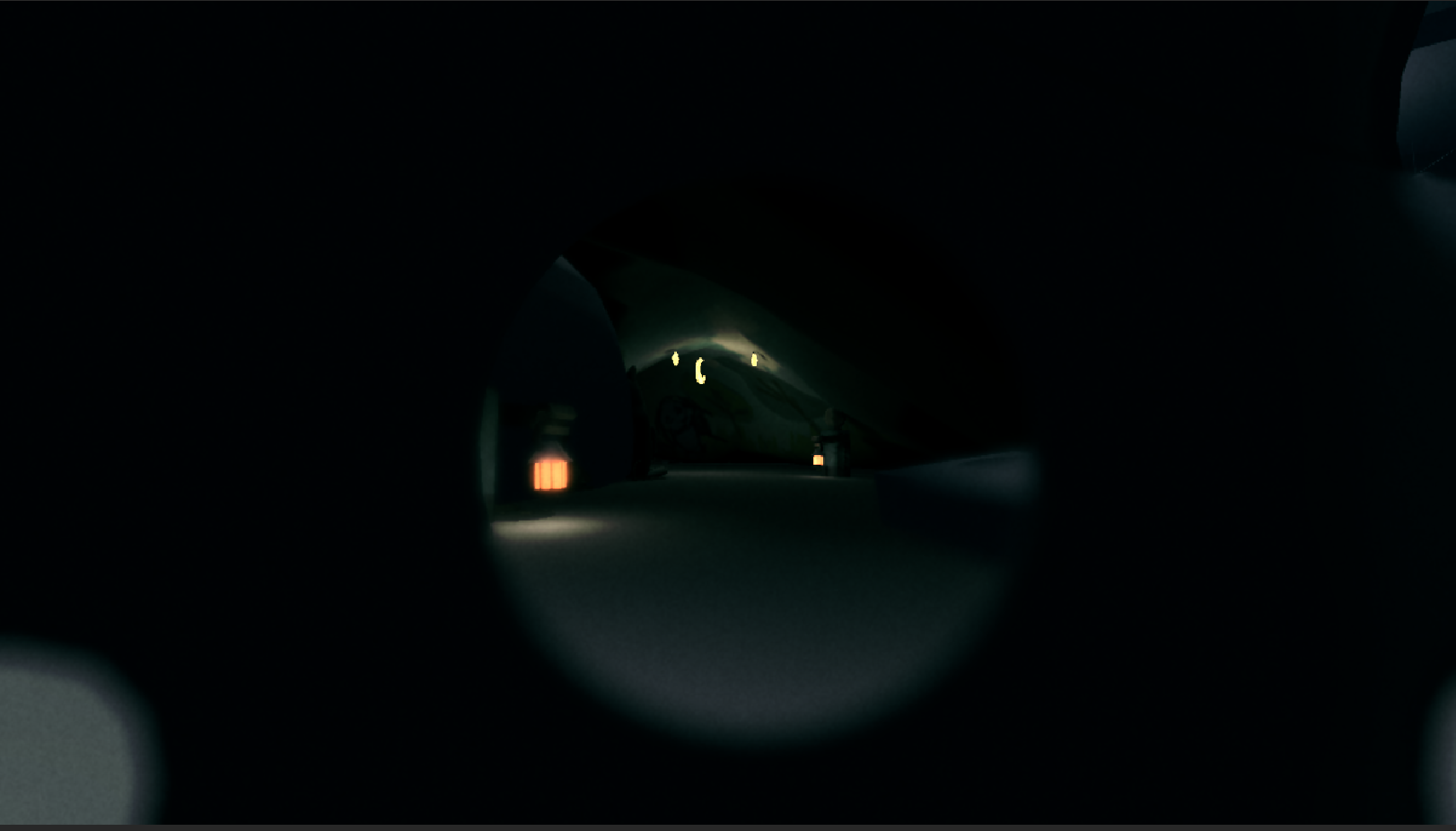
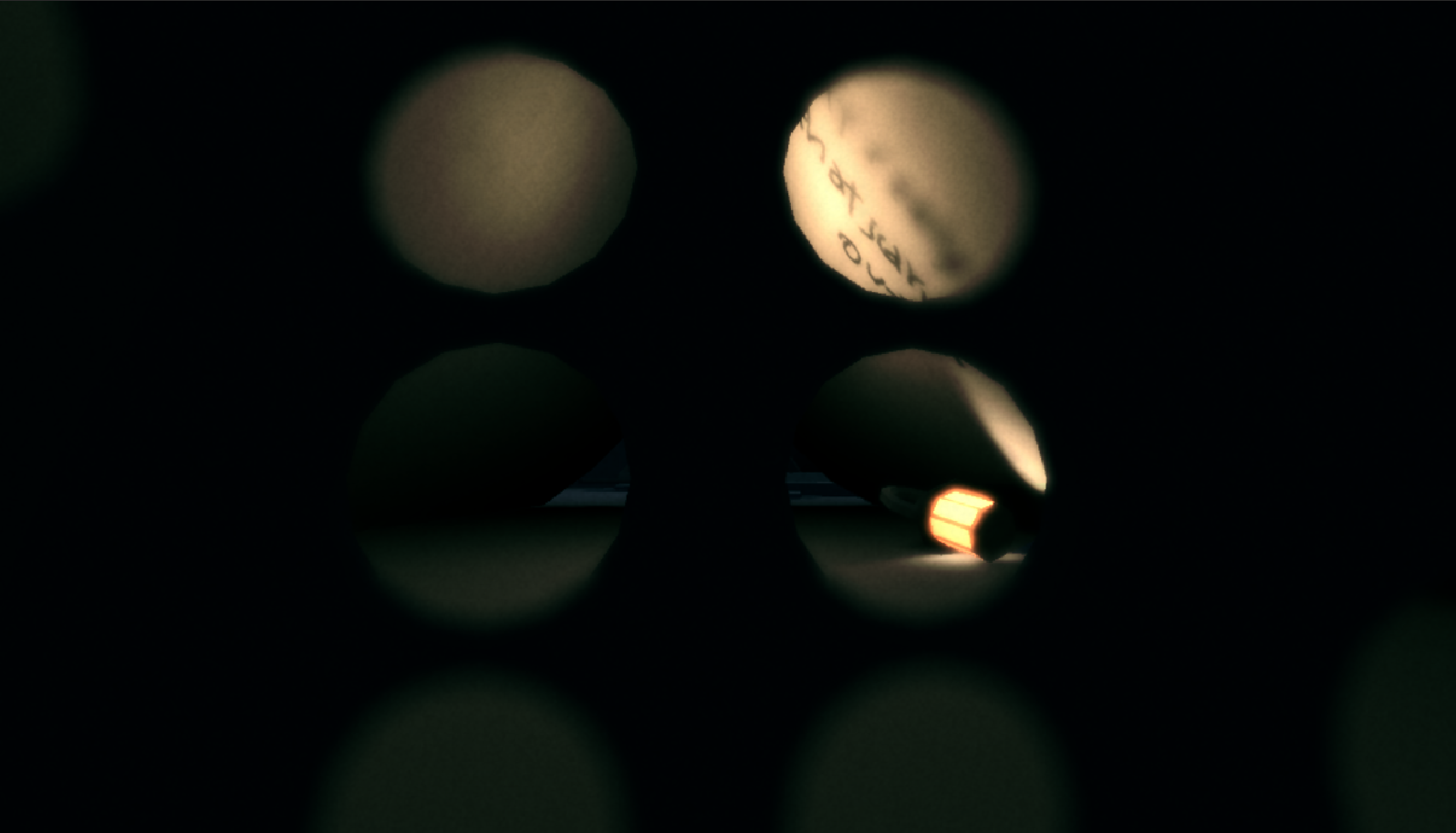
The concept is born from the theme "roll of the dice". It was immediately obvious to us that none of us wanted to make another puzzle/strategy game, not because they're boring (although most of the time, yes), but because there're way too many out there already. Another big reason we landed on the horror theme was that none of us played much horror games, let alone made one, so naturally we had to take on the challenge.
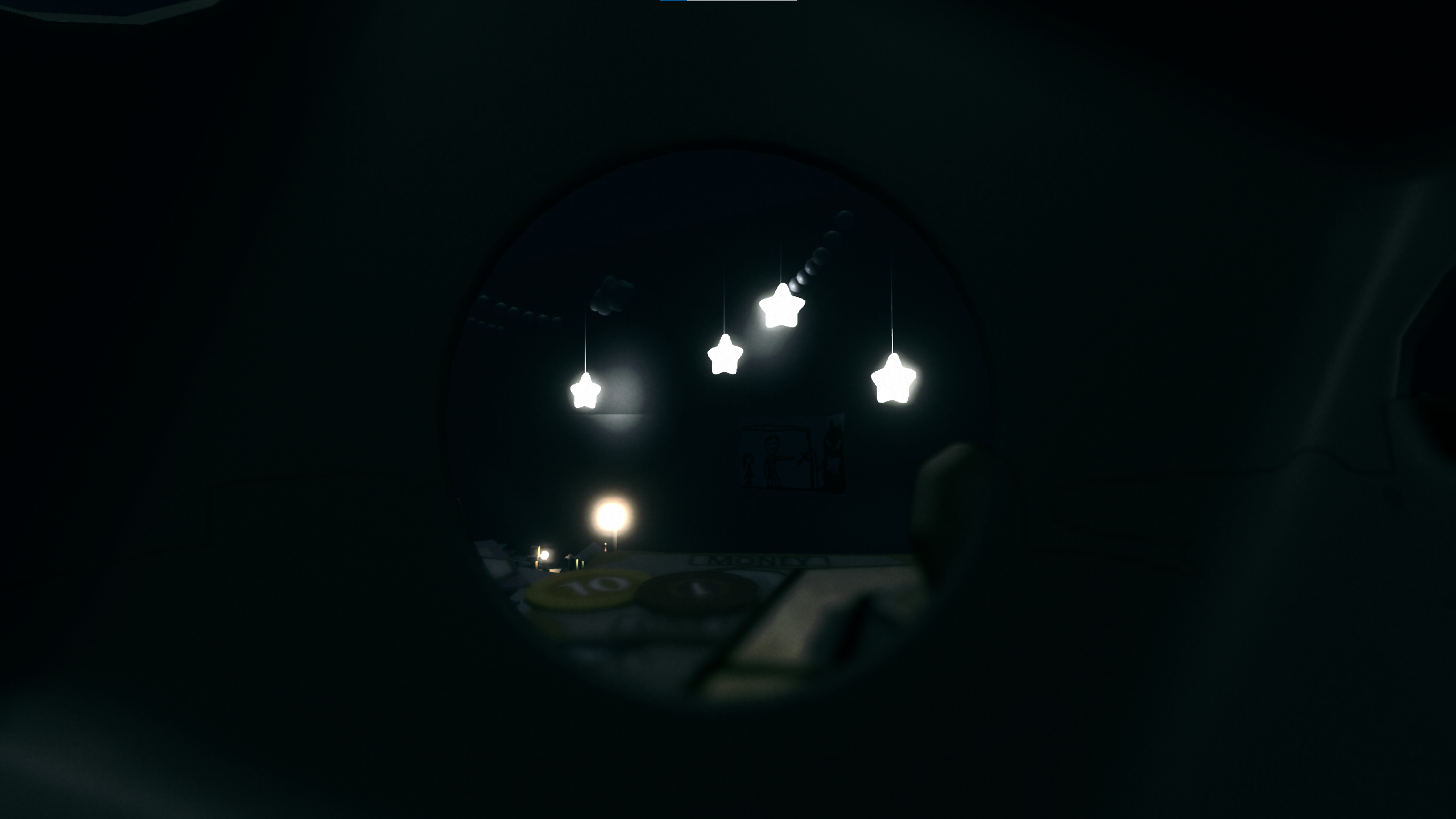
The intention is if we situate the player inside a dice in first person and they can only see the outside through the number holes, they will need to be more aware of the surroundings since there are many blind spots. As much as it's an interesting concept, it also poses quite a few difficult design challenges.
The one we spent the most time on was that the player simply, well, can't see. The balance between claustrophobic feeling and navigation was a constant challenge we battled throughout the design process. On one hand it was crucial to immerse the player in darkness and a sense of danger, on the other hand it's also meant to be a walking simulator that has a goal to reach. We iterated on the level many, many times based on playtest data to make the level easier to navigate, with intentional lighting and more guided prop placements. The end result is nowhere near perfect, but the learnings were immense.
In retrospect, we should have been more careful with the use of verticality in our levels, due to the huge emphasis on a sense of scale. When the player is already quite tiny in relation to the environment (i.e a dice in a room) and can't see well, even the most basic platforming like "getting up there" or "crossing this bridge" is inherently quite challenging.
-
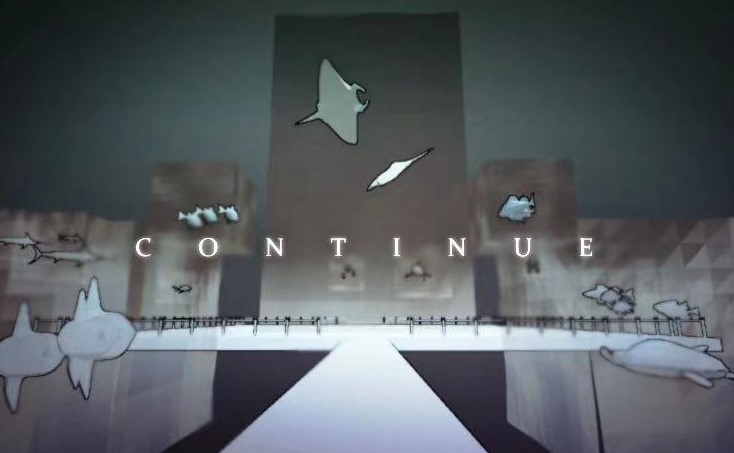
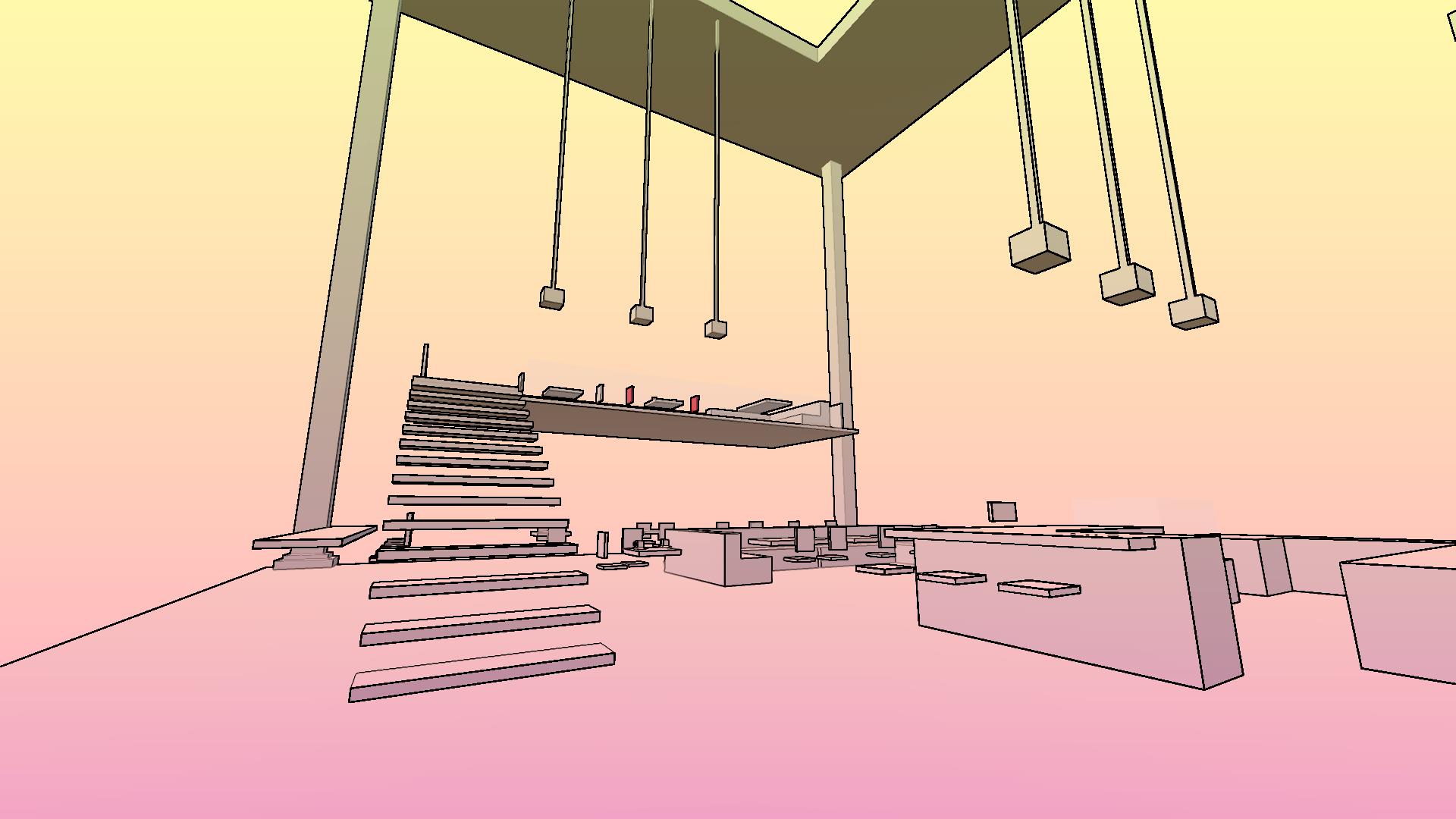
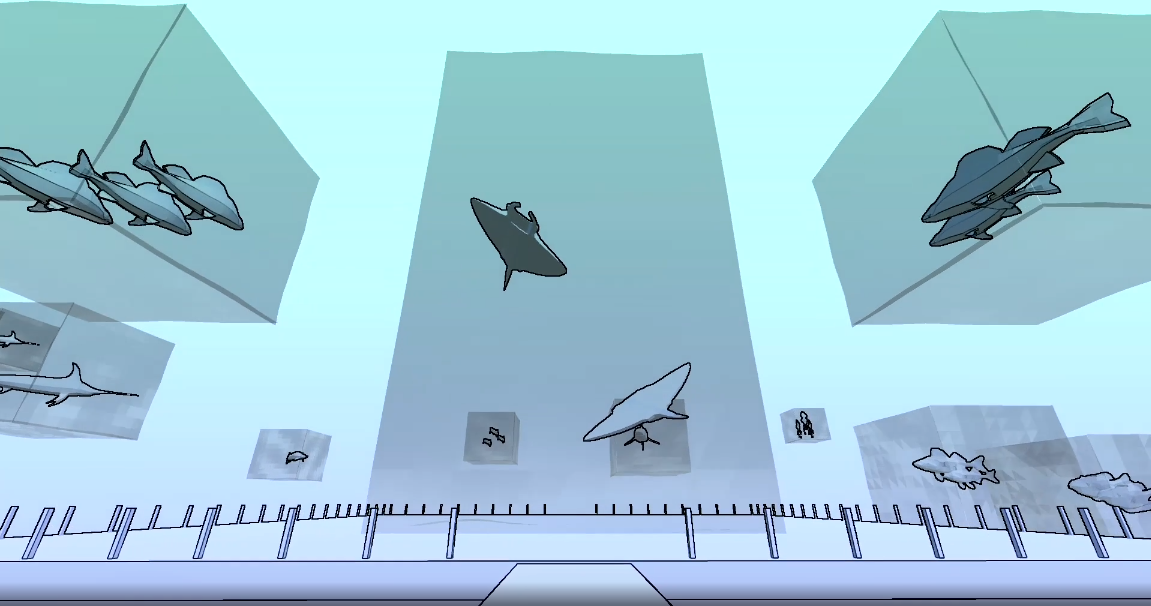
Continue is a walking simulator that explores the feeling of moving on. Player traverses through three distinct memories along with the beautiful background music from Someday or One Day, which also represents the progression of the game. If the player still lingers around when the music stops, the world collapses and they wake up in their dream again.
Ian worked on designing the concept, level, and implemented the screen-space shading and procedurally animated effects.
-
-
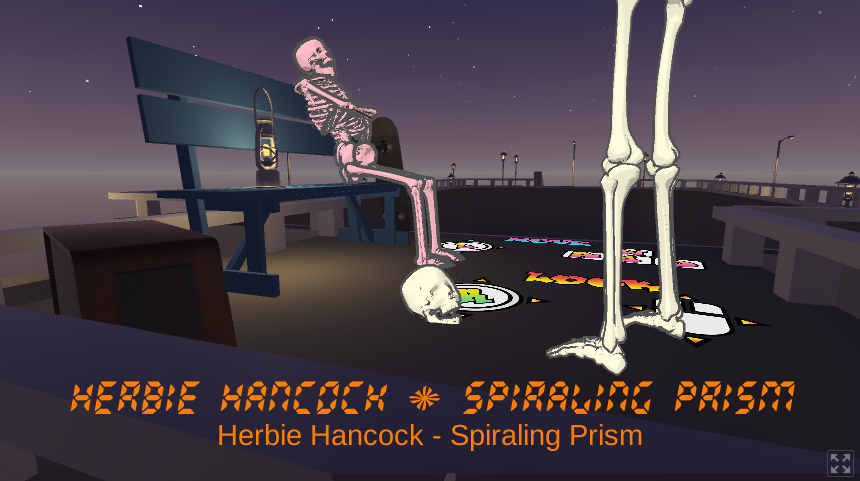
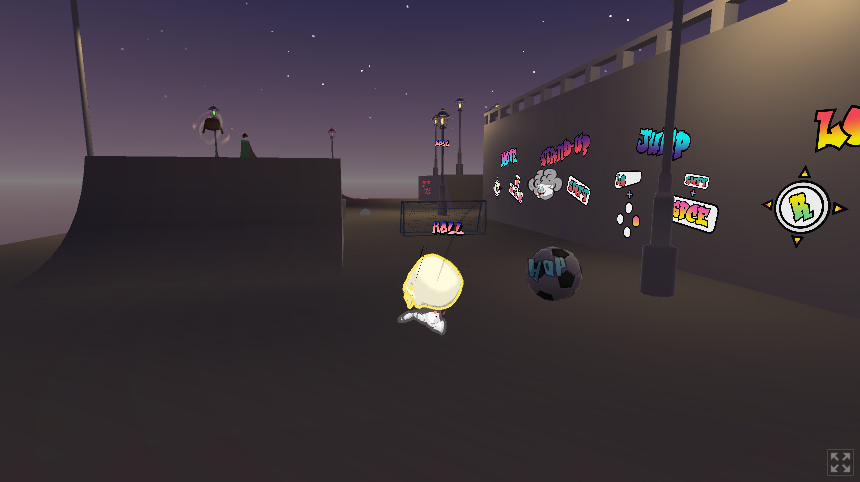
Skeleskate is a fast-paced sandbox game in which up to four players can roll around in a skatepark as a skull and collect foot, which will then allow them to jump, and hats, which will earn them pride and the feeling of being so brutally superior than others.
Ian worked on designing the concept, level, and implemented the gameplay loop and split-screen local multiplayer.
-
-

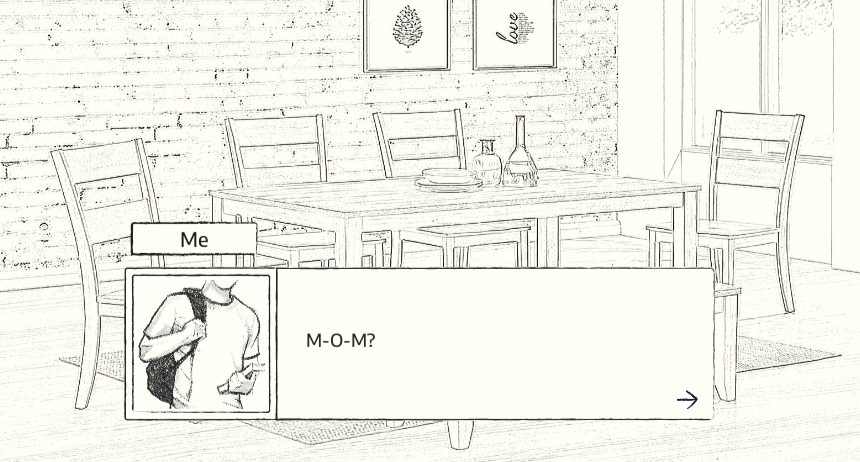
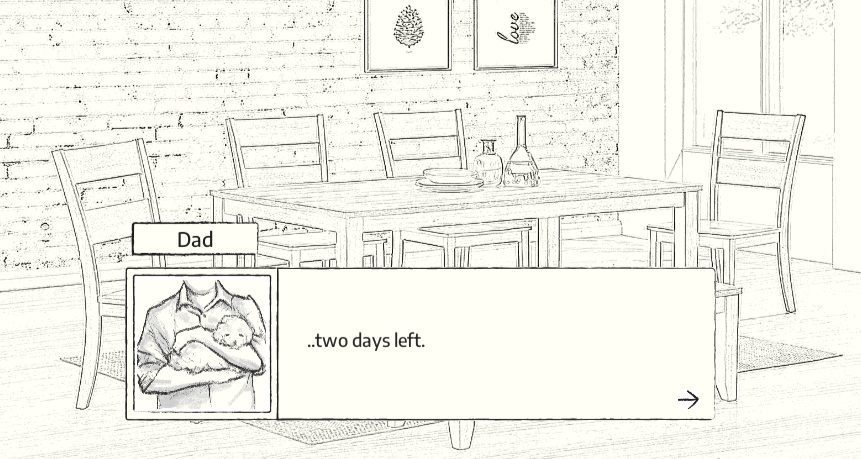
See ya is a visual novel about the days before my dog passed away. The game was made for myself and my parents, but it's also a discussion on animal welfare and euthanasia.
Ian worked on writing, background images, and implementation in Fungus.

-
-
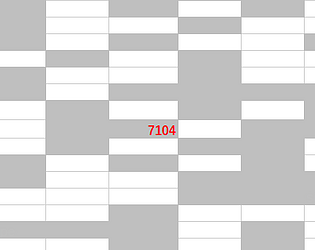
Success-Full is an excel decremental game disguised as an incremental game. In the game you will experience the easiest success of your life, but it also talks about what it takes..
Ian made this in Excel with VBA. He tried to be funny and sarcastic. He's not sure if it was successful.
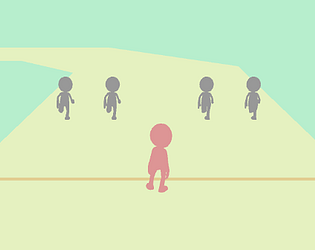
Sometimes your W key is broken. Sometimes life sucks. And there's nothing we can do about them.
But fortunately we don't need much to have fun.
Ian made this for prototype studio under the personalized prompt "A game that anyone can win but you", and he still hasn't beaten it.

A game about being shy and making friends. It's meant for 2 players, although your left and right hand can also attempt to befriend each other for the first time...
You will be asked to touch hands, in a nice and gentle way.
Ian made this for prototype studio under the prompt "Duet", and half of his classmates touched hands. Big success.
Sometimes we just need a moment for ourselves...
An action game about streching legs and trying to sleep.
Ian made this for prototype studio under a very abstract graphical prompt. He was very annoyed looking at it and decided to make this instead.
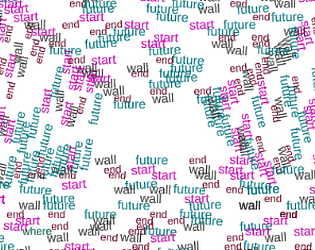
An experiemnt on the boundary between 2D and 3D, how space is represented, and how they carry identity and narrative.
Ian made this for prototype studio under the prompt "Chain Reaction". He really wants to keep working on this one.

A short walk about giving.
Ian made this in prototype studio for his friend Lorg, based on their previous prototype Samaritan.
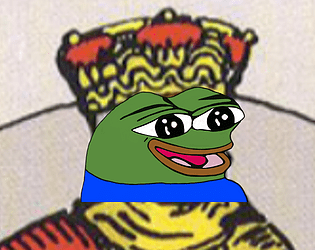
What makes the king happy?
Ian made this for prototype studio under the prompt "Tarot", for which he got the King of Cups and Four of Wands.
A simulation about being a compiler and try to pass your trial day.
Not a programming game.
Ian made this for prototype studio under the prompt "Non-human POV". Towards the end he got to something interesting but ran out of time.
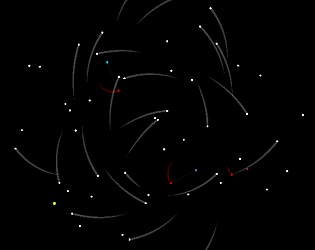
A reasonable guess at what happens in a game when we're not playing.
Ian made this for prototype studio under the prompt "A game you'd rather watch than play". He also changed his local Bestbuy's computer screen to this for about an hour.

Prom is in two days, but you still feel awkward dancing...
A game that resembles my feeling everytime I need to dance.
Ian made this for prototype studio under a prompt that contains the blue color palette, a control scheme that uses all the keys on the keyboard, and a pattern that he cannot describe in words.
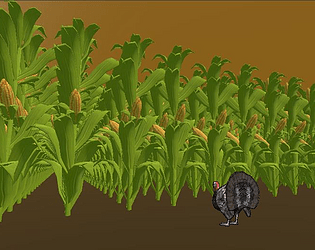
Corn mazes are made from turkeys running around in the field. Art too.
Ian made this for prototype studio under the prompt "Corn". Unfortunately someone else made a porn game so he had to do something else.